How to set up your “AddMe” Signature Link

1) Get your personal “ADD ME TO YOUR ADDRESS BOOK “link.
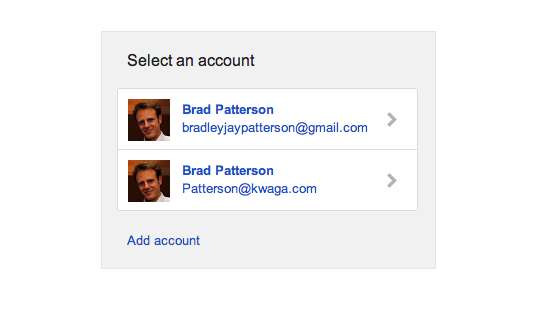
(it will ask which email you’re doing this for, and require gmail permissions)
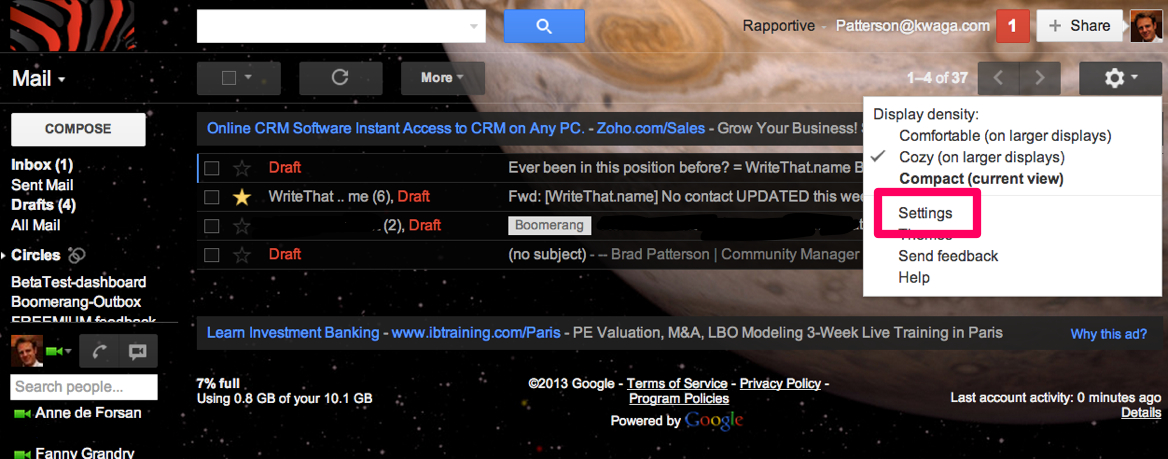
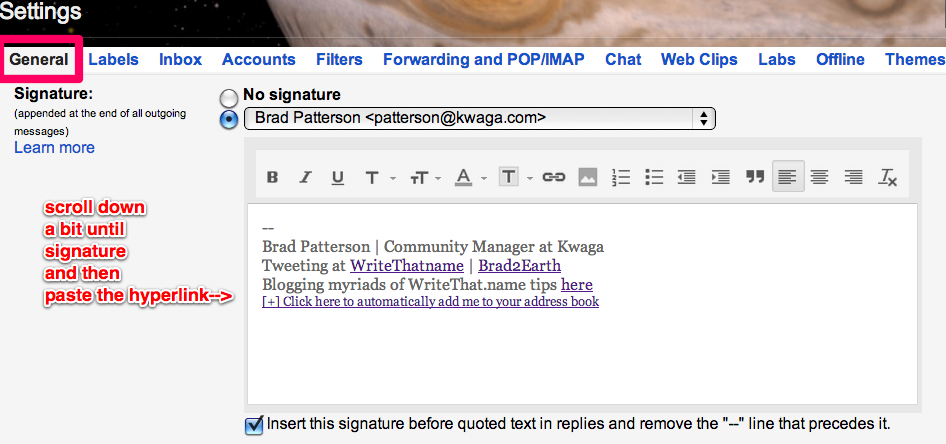
2) Add it to your signature within your Gmail settings here as so:
3) Enjoy, and your contacts will too!
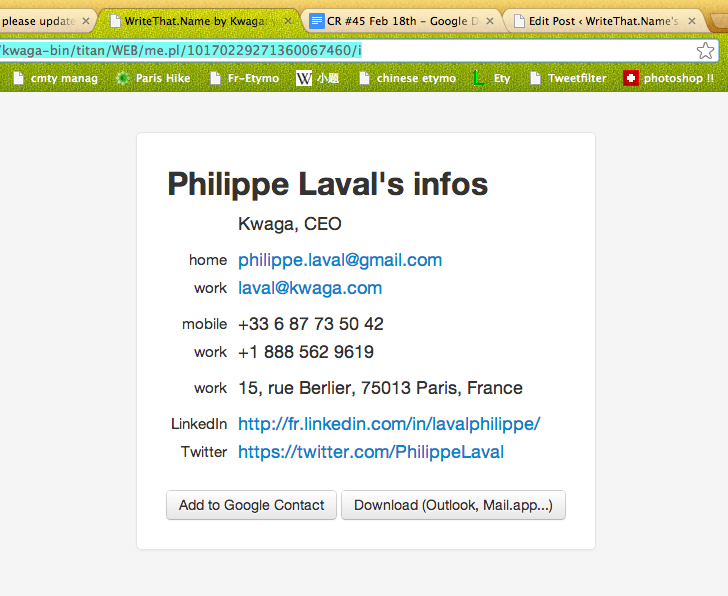
(being able to add your info directly into google contacts, or download your vCard)
Got any questions? Hit me up here and I’ll do my best to set you up.
Cheers, Brad
1 Comment
Comments are closed.



[…] For gmail click here. […]